Personal trainers
Send every client a follow-along session they’ll actually finish.
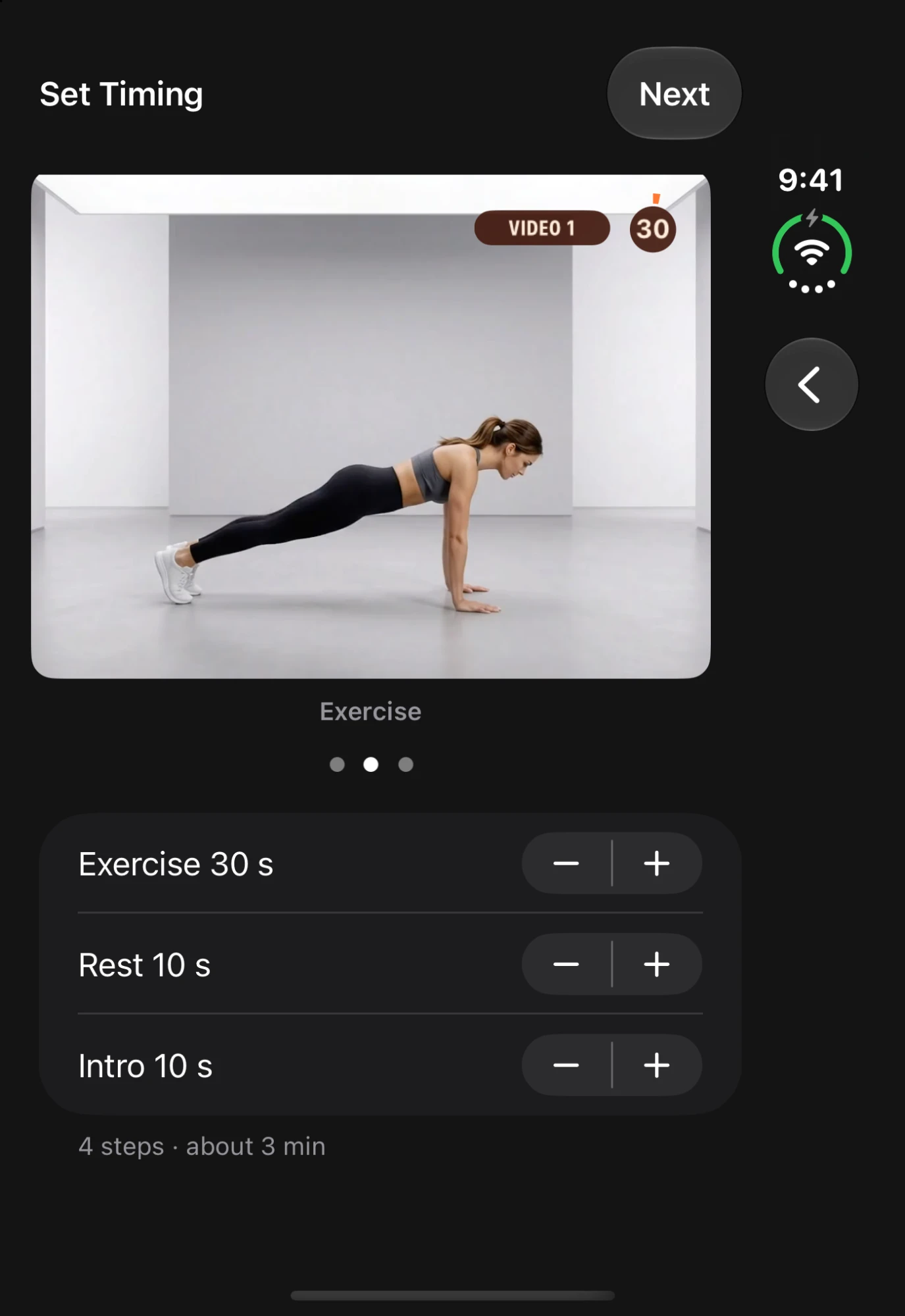
Pick your clips, pick a look, set work and rest. Set Stitch adds the timers, exercise names, rest screens and “next up” previews for you — ready to post in minutes, not an evening of editing.

On a computer?Scan with your iPhone camera to install.
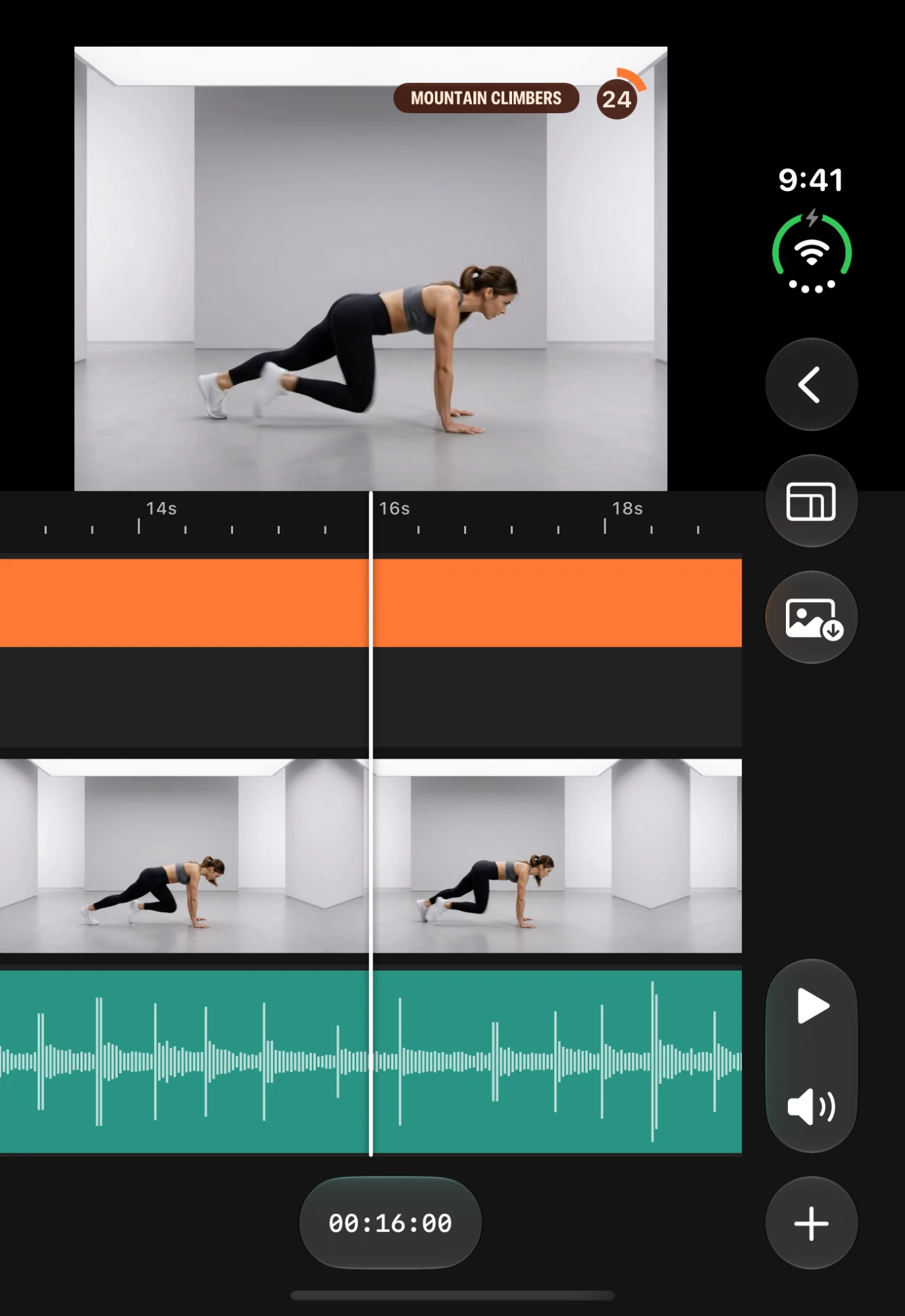
You filmed the moves in ten minutes. Then the real work starts: cut every clip to length, type every exercise name, build a countdown, add a rest screen, line it all up — and do it again for Reels, Shorts and YouTube.
Set Stitch does that part. You do the part only you can do: the training.
Your part
Set Stitch’s partDone for you
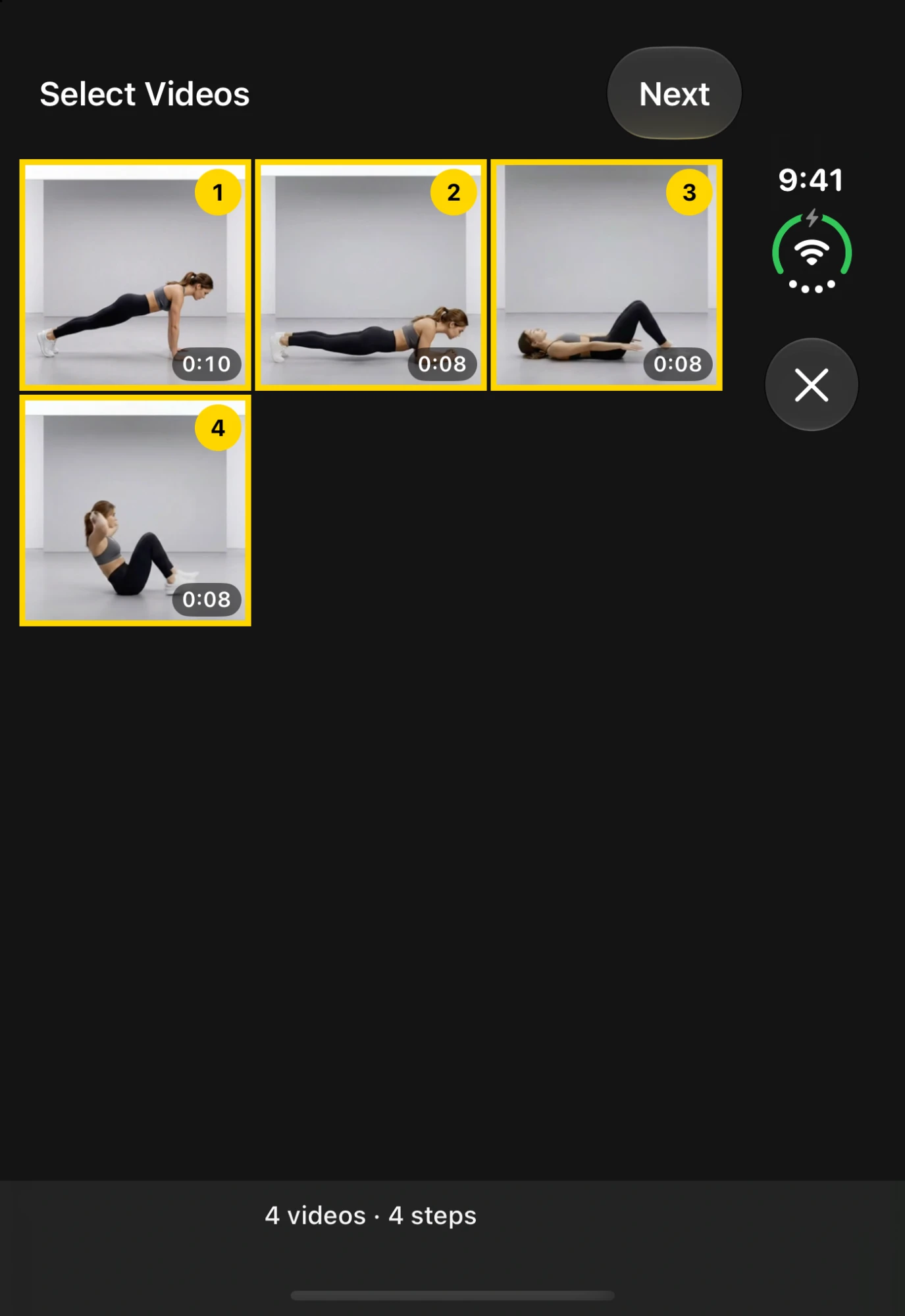
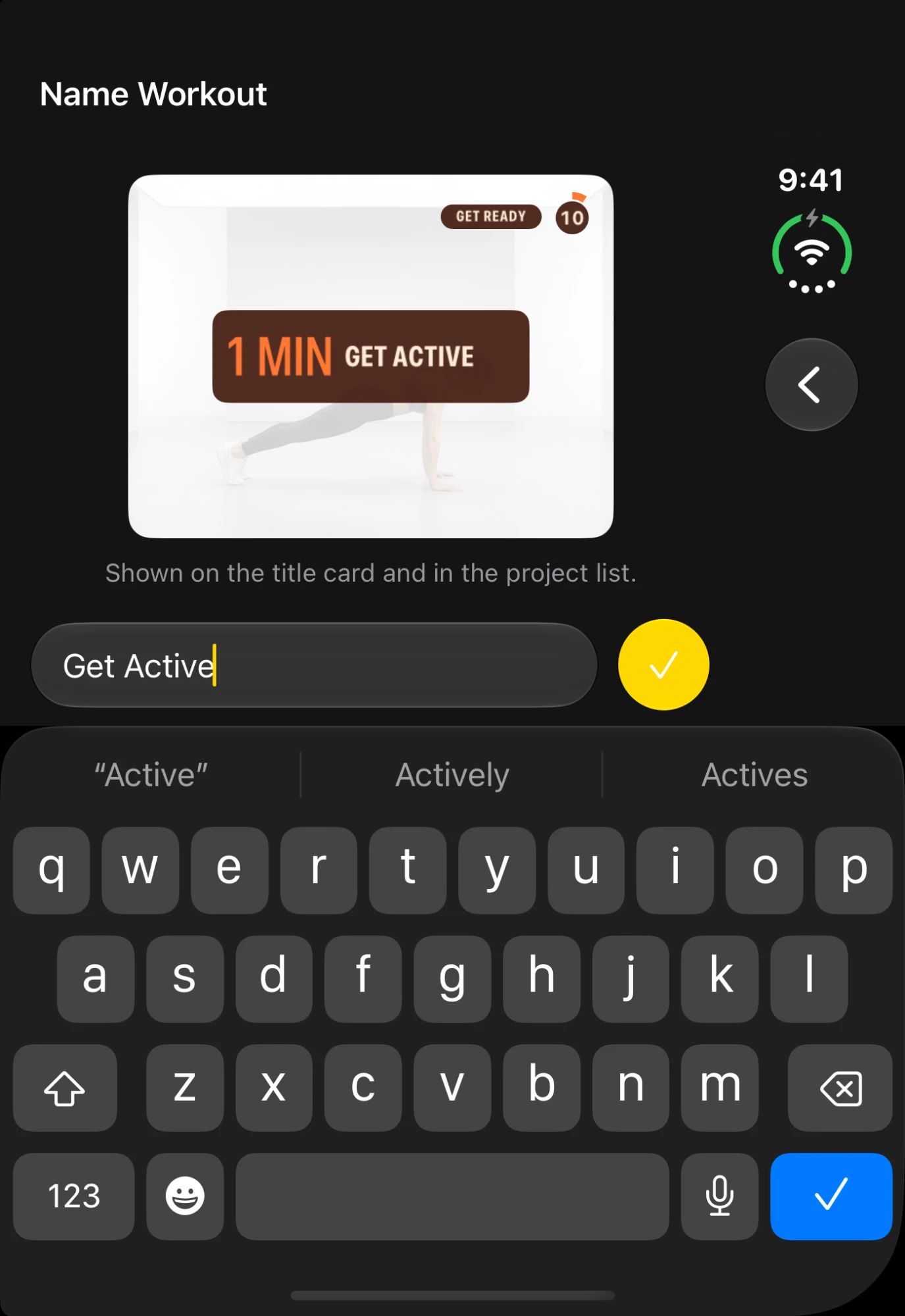
That’s it. Your workout plays with every timer, label and rest screen already in place.
Try it with your own clips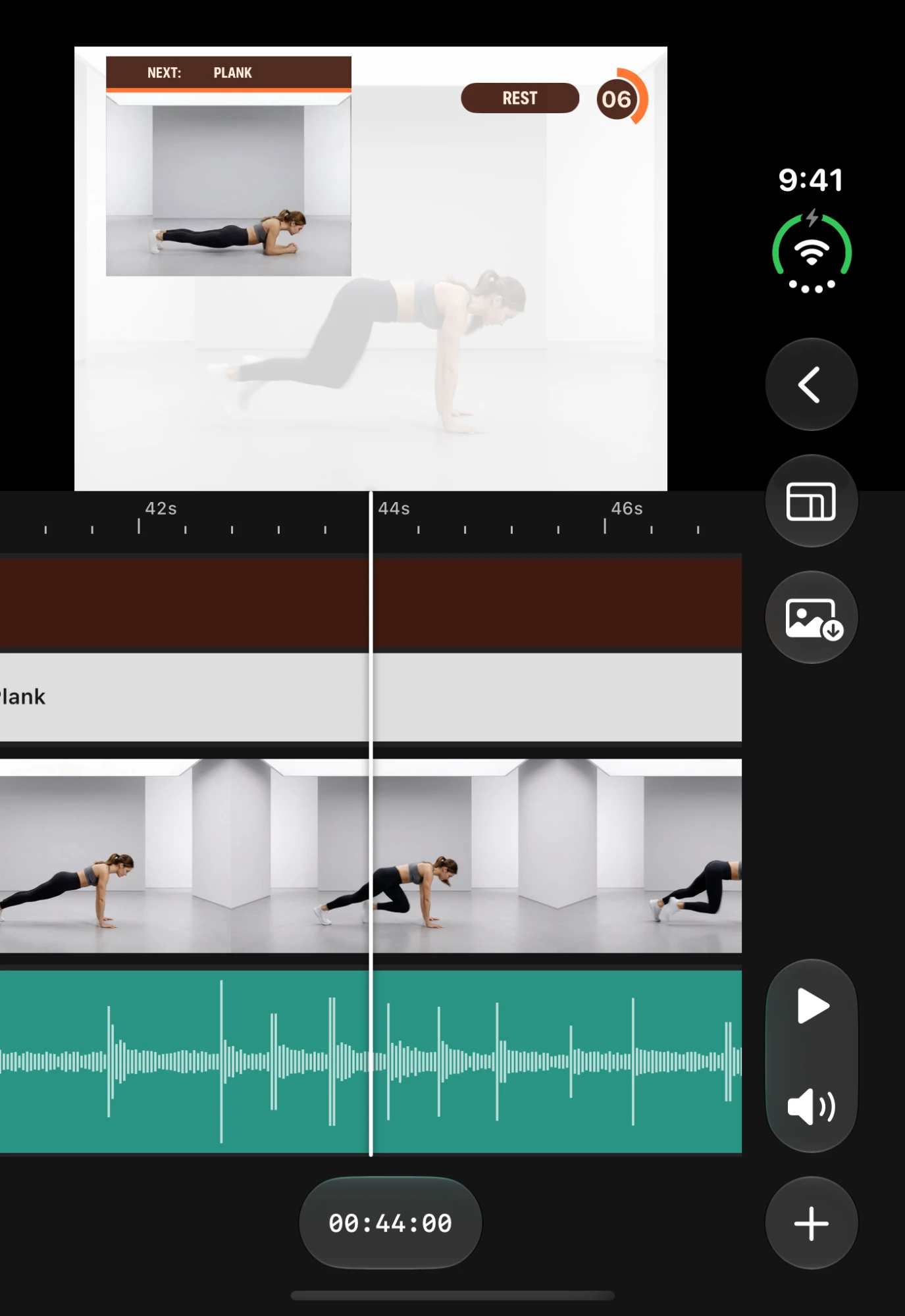
During each rest, your viewers see a live preview of the next exercise with its name on it — so they’re ready before the timer hits zero. No more pausing to check what’s next.
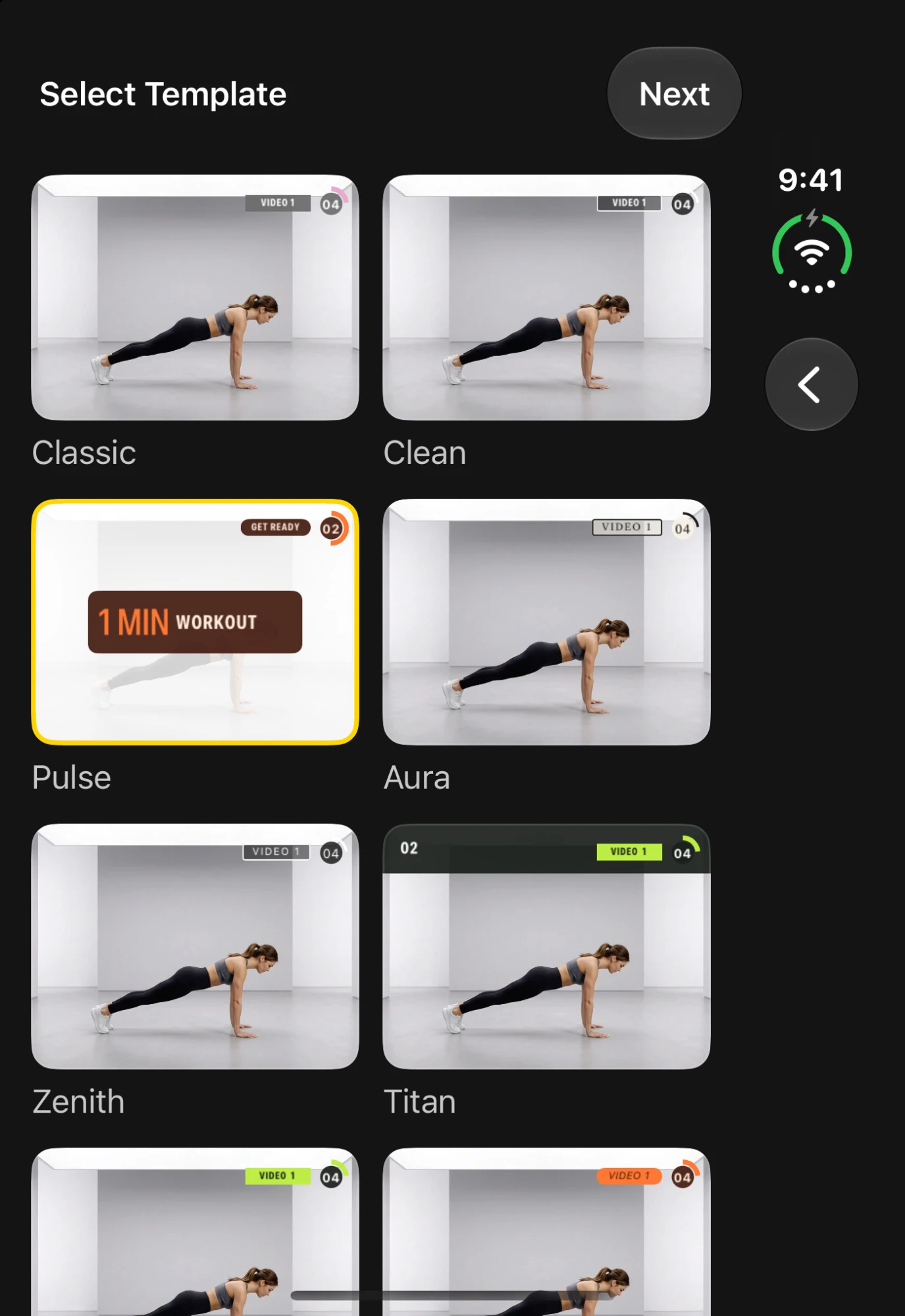
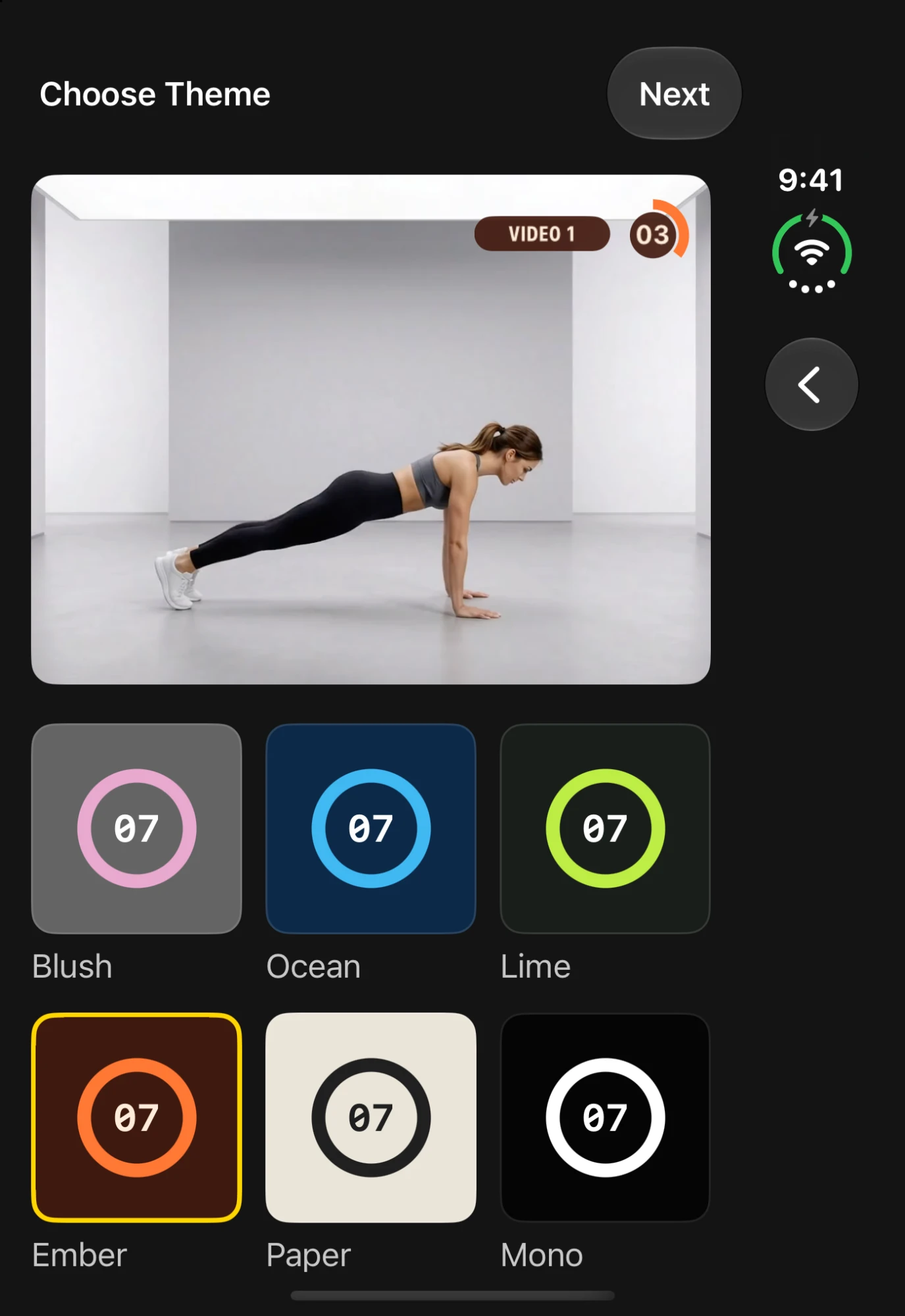
Calm and elegant for yoga and pilates. Loud and punchy for HIIT. Fast and sporty for sprints and track work. Pick the look when you start a workout — every timer and title follows it.
Six colour themes that make every video recognisably yours. Your audience should know it’s your workout before they read the title.
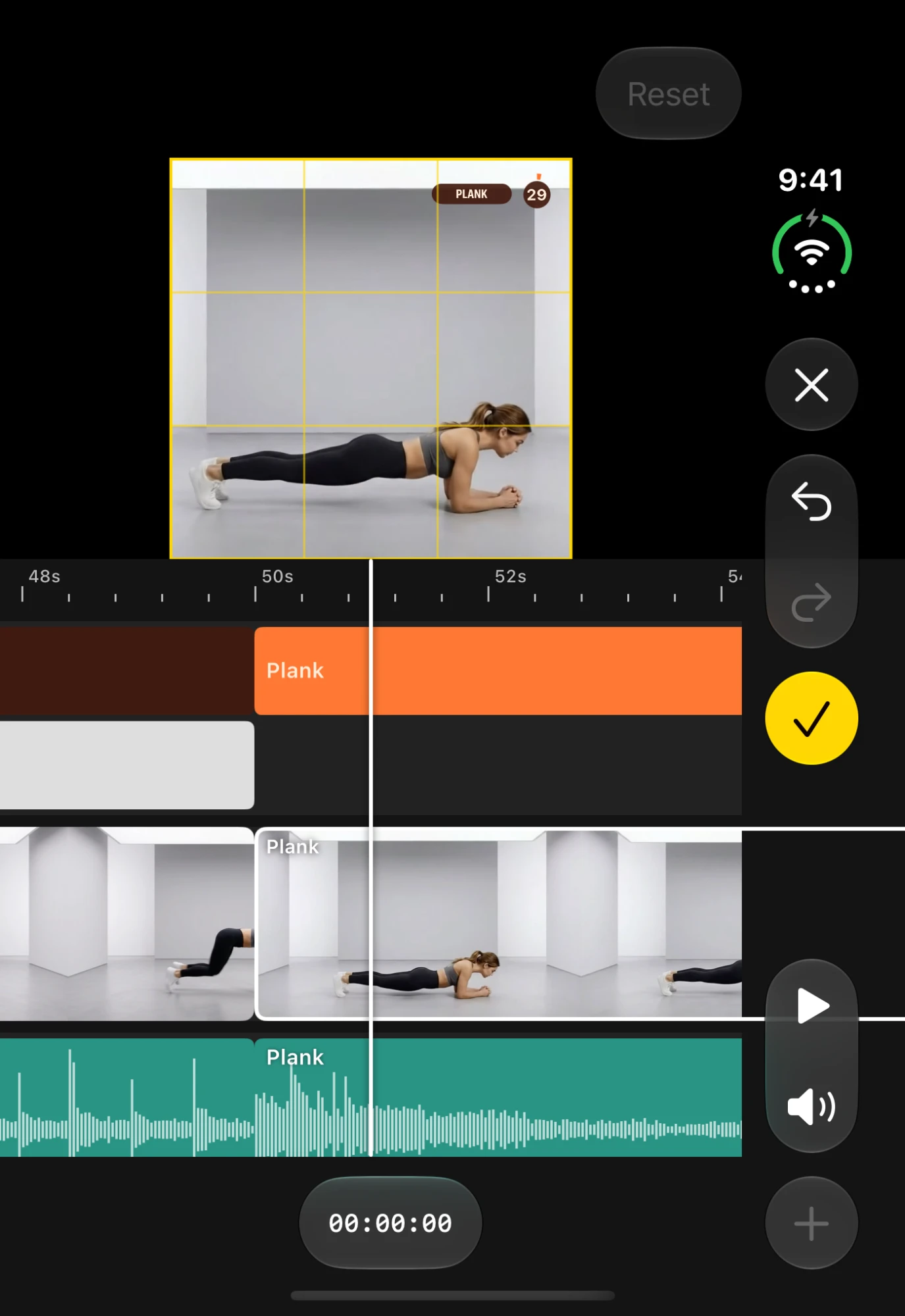
Drag and pinch each clip into frame. One workout, ready for Reels, TikTok, Shorts, YouTube or your clients’ inbox.
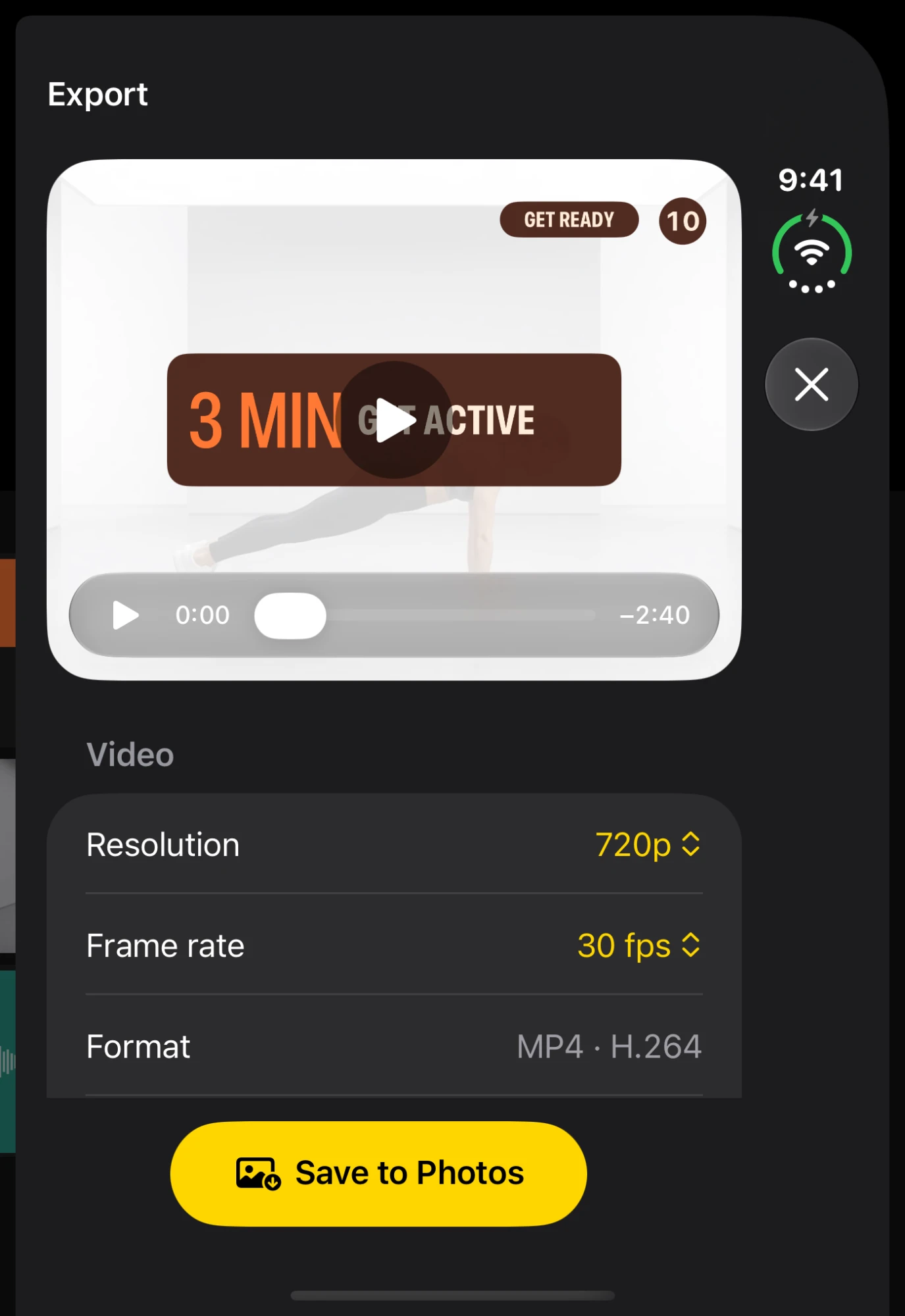
Choose 720p or 1080p, or 4K with Pro, at 24, 25, 30 or 60 fps. Set Stitch shows the file size before you save, and the finished video lands in your Photos library — post it, send it, sell it.
Send every client a follow-along session they’ll actually finish.
Post a polished workout every day without living in an editor.
Turn a flow into a calm, guided video, with a gentle timer for every pose and pause.
Turn your class into an on-demand video in your colours.
Build a library of programmes from the clips already on your phone.
No. If you can pick photos from your camera roll, you can make a workout video. There’s no timeline to learn unless you want one.
Yes. Set Stitch uses the clips in your Photos library — no special camera or setup.
Pick the clips, pick a look, and have a finished, follow-along workout ready to post before your coffee goes cold.
On a computer?Point your iPhone camera here to install.
Found a bug, missing a feature, or want a new template for your kind of session? Send it here. Every message is read by the people building the app.
Prefer email?hello@daradigital.com.au
Your privacyWe only use your email to reply to you. Read our privacy policy